






How to Build the Perfect Gaming Setup (Complete 2026 Guide)
Creating the perfect gaming setup isn’t just about owning a powerful computer or console. The best setups combine performance, comfort, and immersion to deliver an amazing gaming experience. Whether you're a casual gamer or planning a competitive streaming station, designing a proper gaming space can improve your gameplay, reduce fatigue, and make gaming far more enjoyable.
This guide will walk you through how to build the perfect gaming setup step-by-step, including the essential equipment, layout tips, and accessories that every gamer should consider.
1. Start with a Powerful Gaming PC or Console
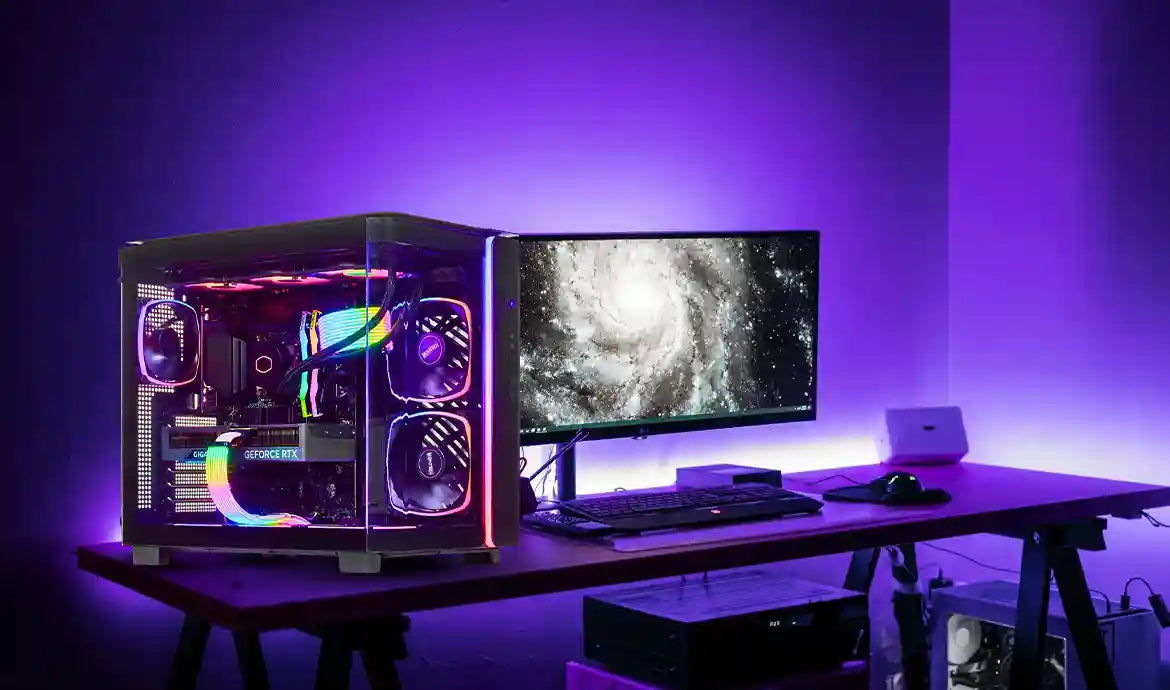
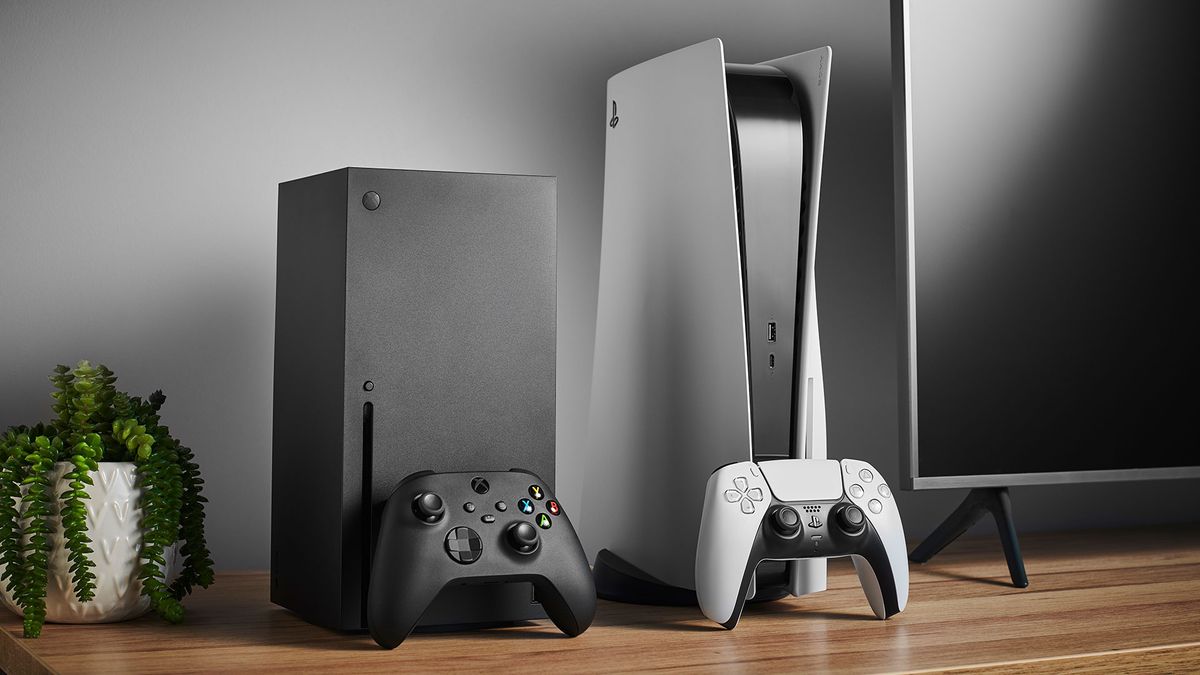
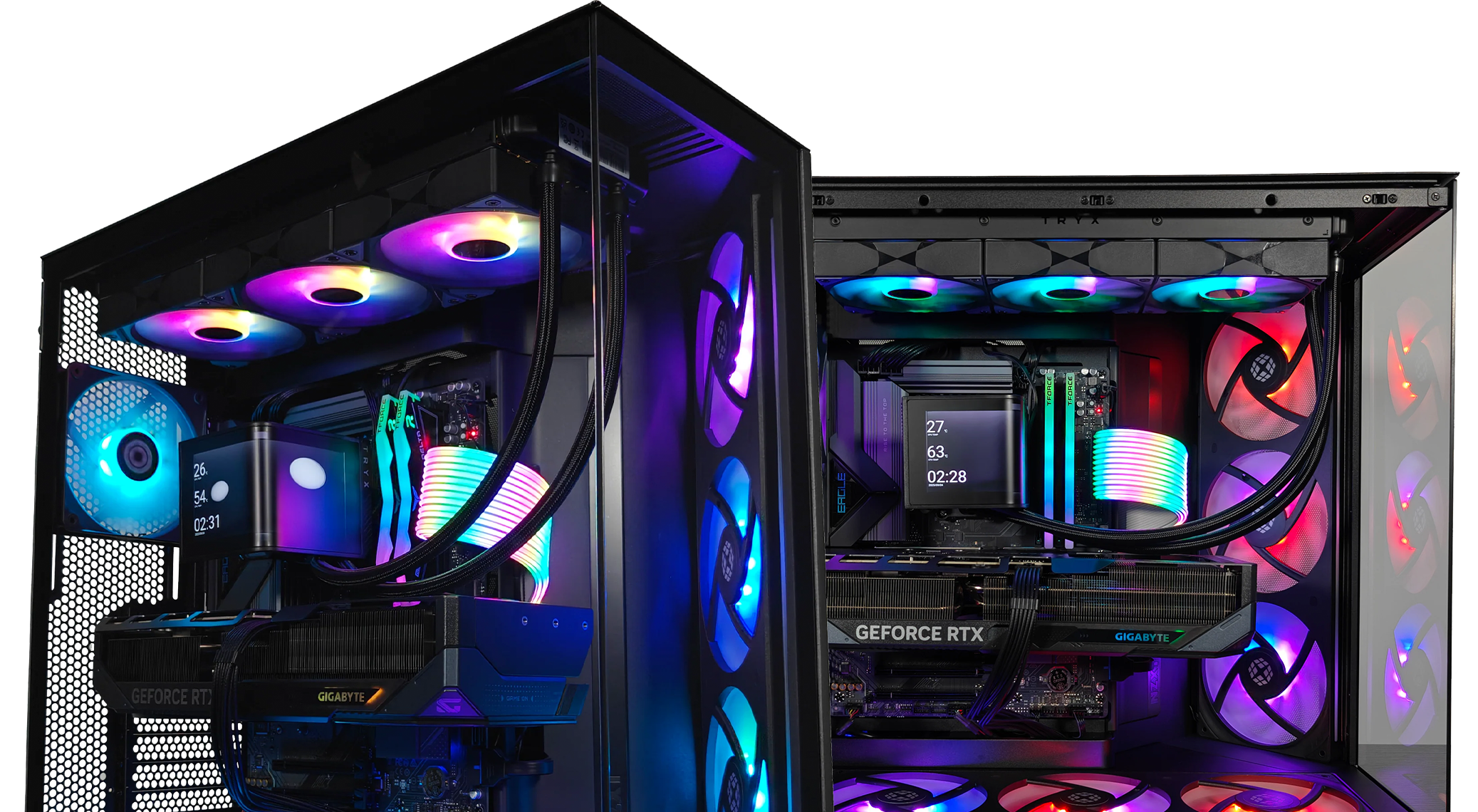

The foundation of any great gaming setup is the main gaming device. Depending on your preferences, you can build your setup around a gaming PC or a console.
Gaming PC Setup
A gaming PC offers the most flexibility, performance, and upgrade potential. Look for:
-
Modern CPU for smooth processing
-
High-end GPU for detailed graphics
-
At least 16GB of RAM
-
SSD storage for faster loading times
PC gaming also supports higher frame rates, customizable graphics settings, and modding for many games.
Console Gaming Setup
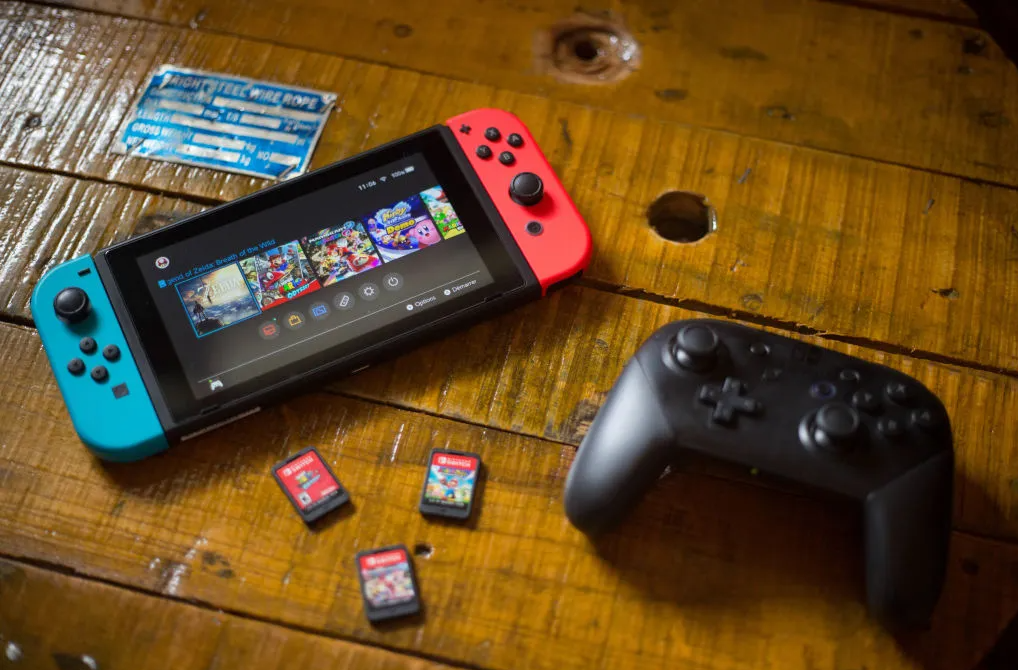
If you prefer simplicity, modern consoles deliver incredible performance with minimal setup. Pairing a console with a high-quality monitor or TV can create a fantastic gaming environment.
Pro Tip: Place your PC or console in a well-ventilated area to avoid overheating during long gaming sessions.
2. Choose the Right Gaming Monitor
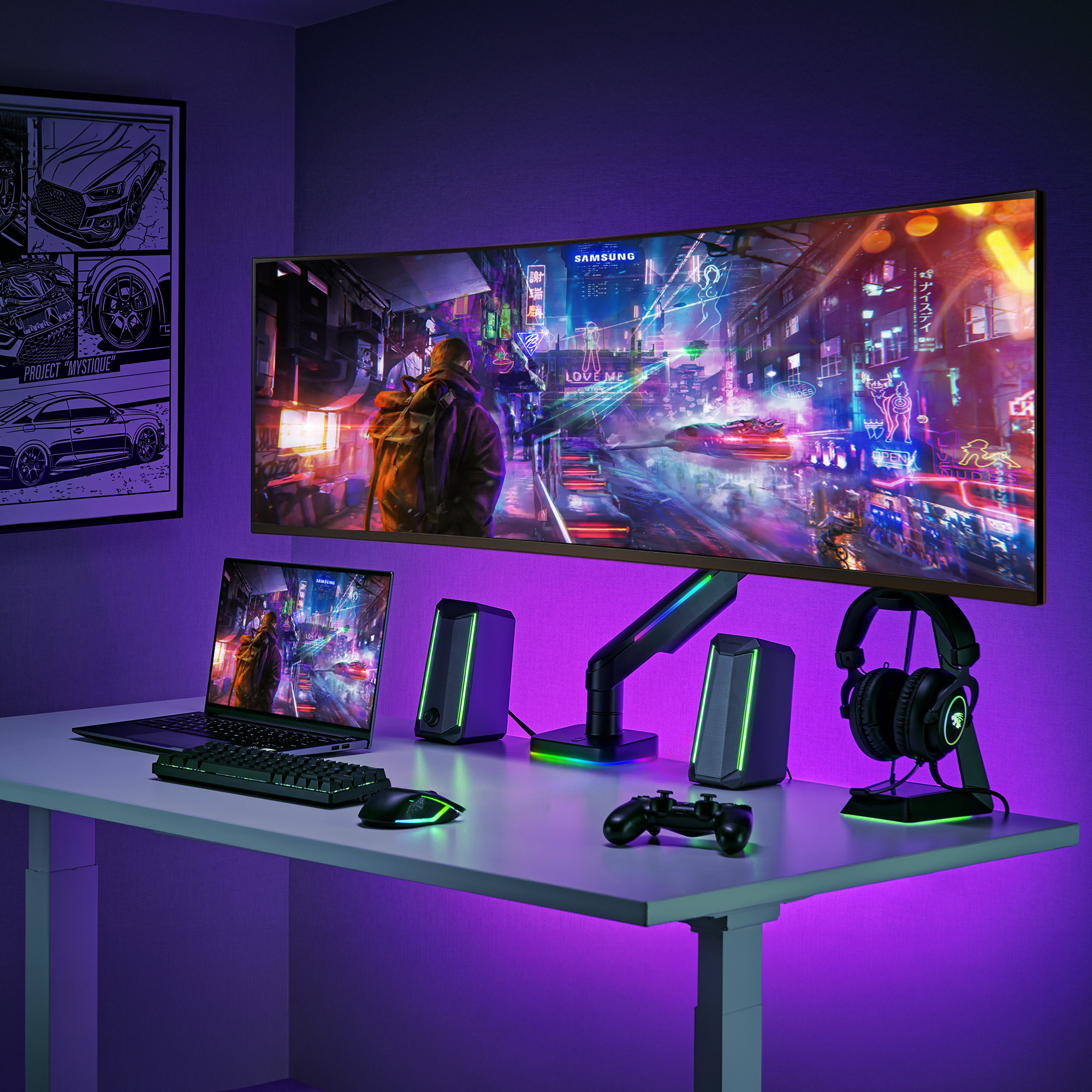
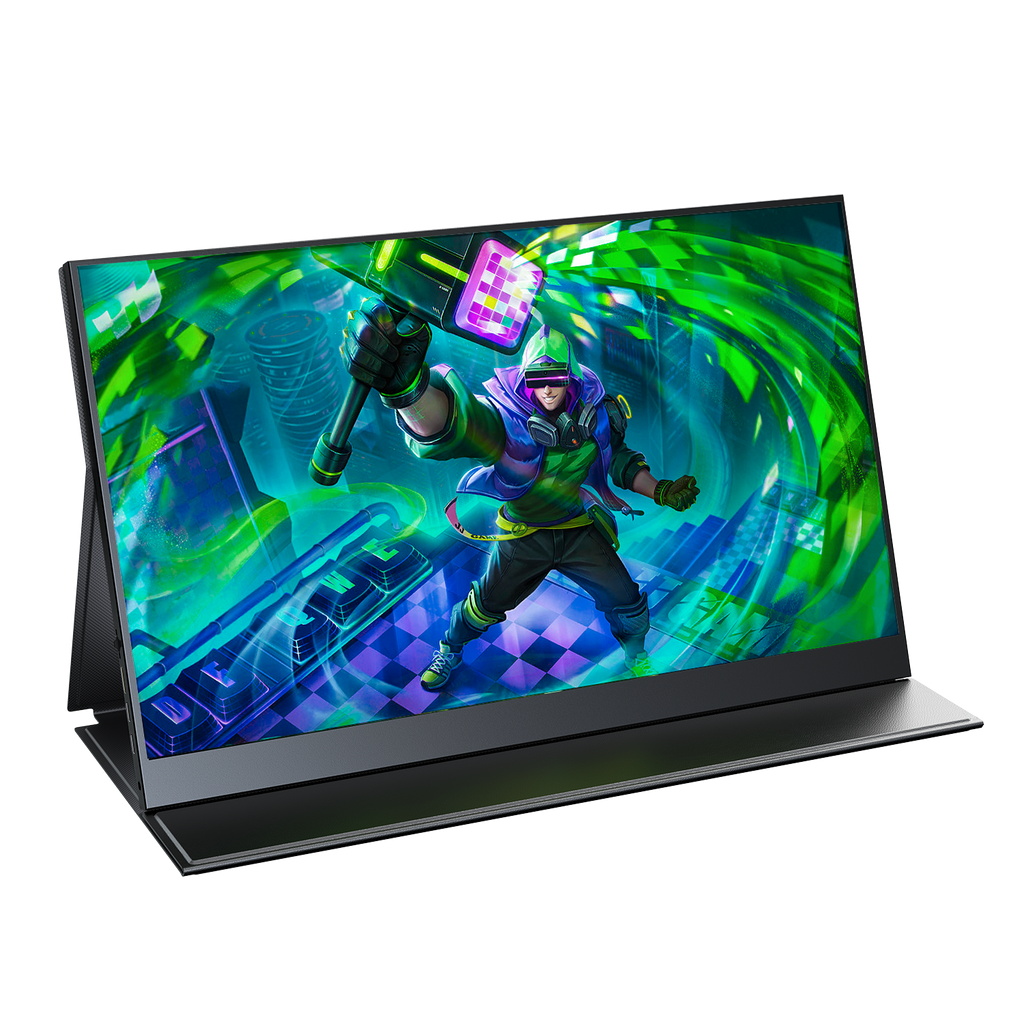

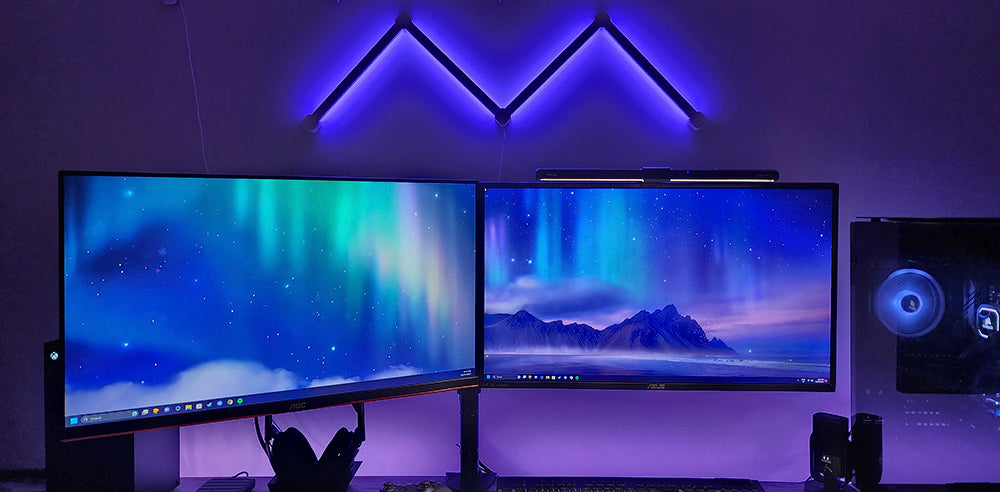
Your monitor plays a massive role in your gaming experience. The right display can significantly improve visual clarity and responsiveness.
Important Features to Consider
Refresh Rate
-
144Hz or 240Hz monitors provide smoother gameplay compared to standard 60Hz displays.
Resolution
-
1080p – Best for competitive gaming
-
1440p – Balanced performance and graphics
-
4K – Ultra detailed visuals
Panel Type
-
IPS: Best color accuracy
-
VA: Strong contrast
-
TN: Fast response times
Many gamers also prefer curved or ultrawide monitors to increase immersion.
3. Invest in a Quality Gaming Keyboard and Mouse


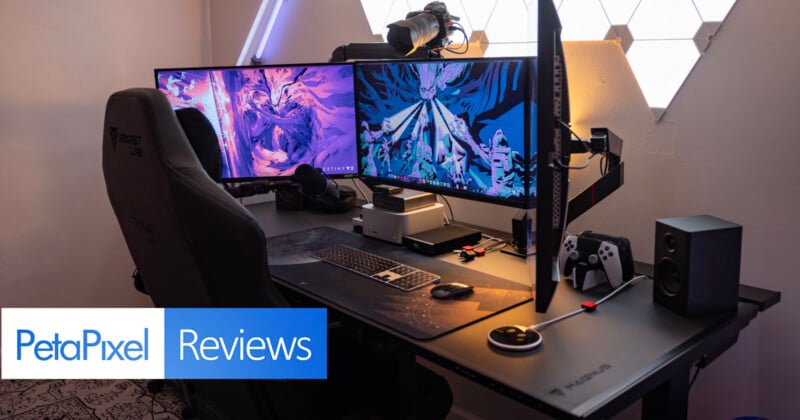
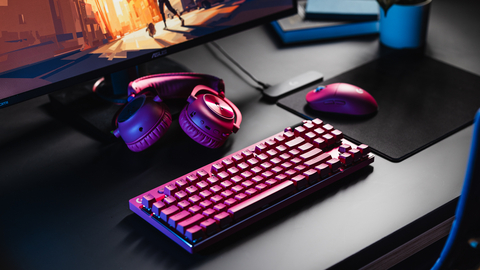
Your keyboard and mouse are the primary tools for PC gaming, so quality matters.
Mechanical Keyboards
Mechanical keyboards are popular among gamers because they provide:
-
Faster key response
-
Better durability
-
Customizable RGB lighting
-
Comfortable tactile feedback
Gaming Mice
Look for a mouse with:
-
Adjustable DPI sensitivity
-
Lightweight design
-
Programmable buttons
-
Comfortable grip
A large gaming mouse pad can also improve precision and smooth movement.
4. Use a Comfortable Gaming Chair


Gaming sessions can last hours, so comfort is essential. A proper gaming chair helps maintain good posture and reduces strain on your back and neck.
Features to Look For
-
Adjustable lumbar support
-
Headrest cushion
-
Reclining backrest
-
Height adjustment
-
Durable padding
Ergonomic chairs are especially important for gamers who also stream, work, or study at their desk.
5. Add RGB Lighting for Atmosphere
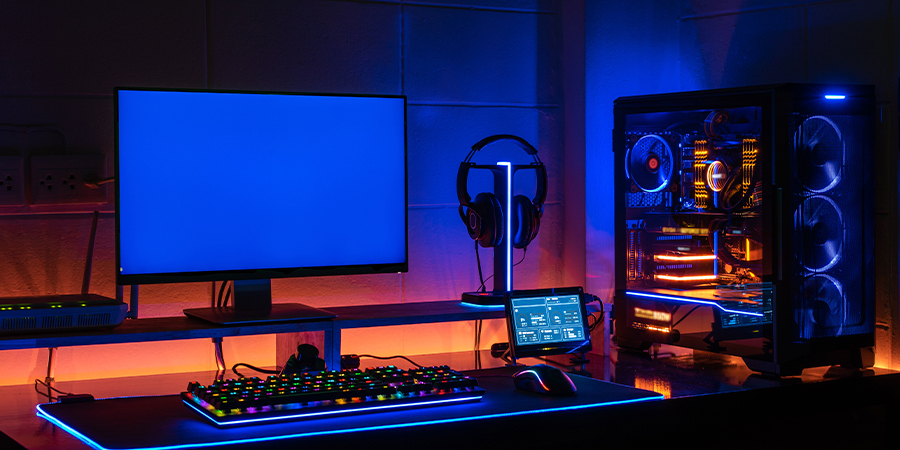


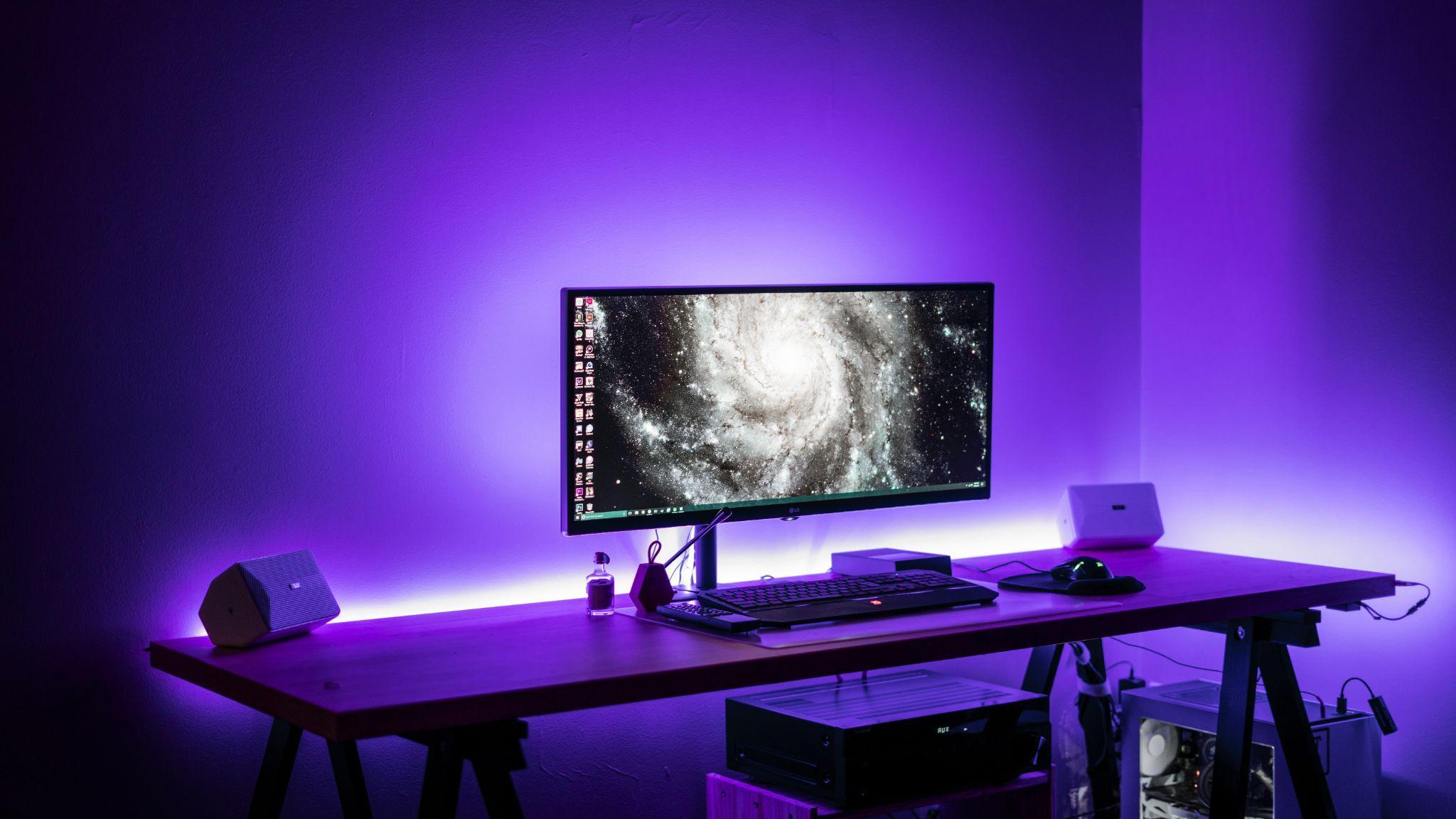
RGB lighting has become a signature part of modern gaming setups. While it doesn't improve performance, it dramatically enhances the visual atmosphere of your gaming space.
Popular Lighting Options
-
LED light strips behind monitors
-
RGB desk lighting
-
Smart bulbs for the room
-
RGB fans inside PC cases
Many lighting systems allow synchronization with games or music for a more immersive effect.
6. Organize Your Desk for Maximum Efficiency
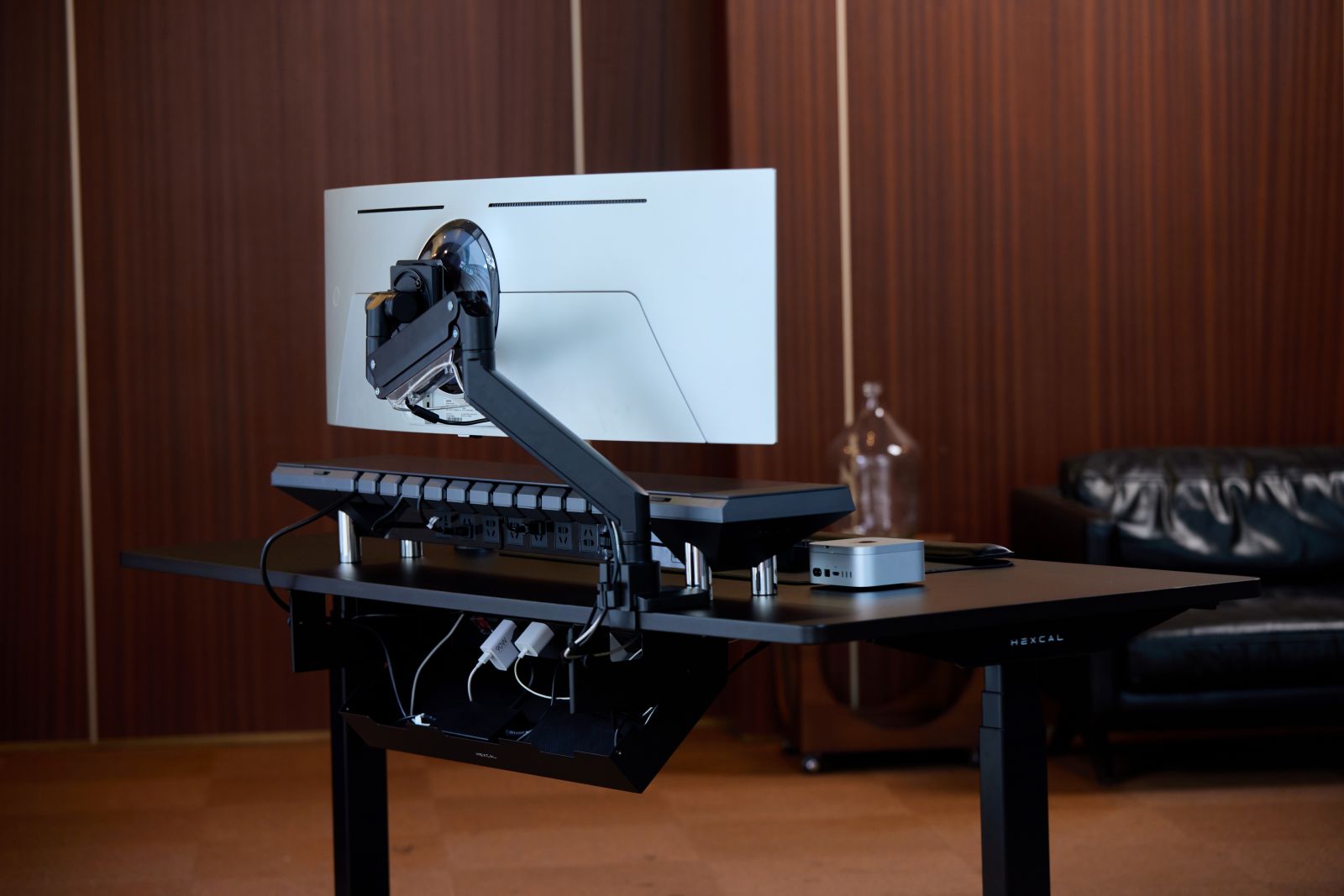
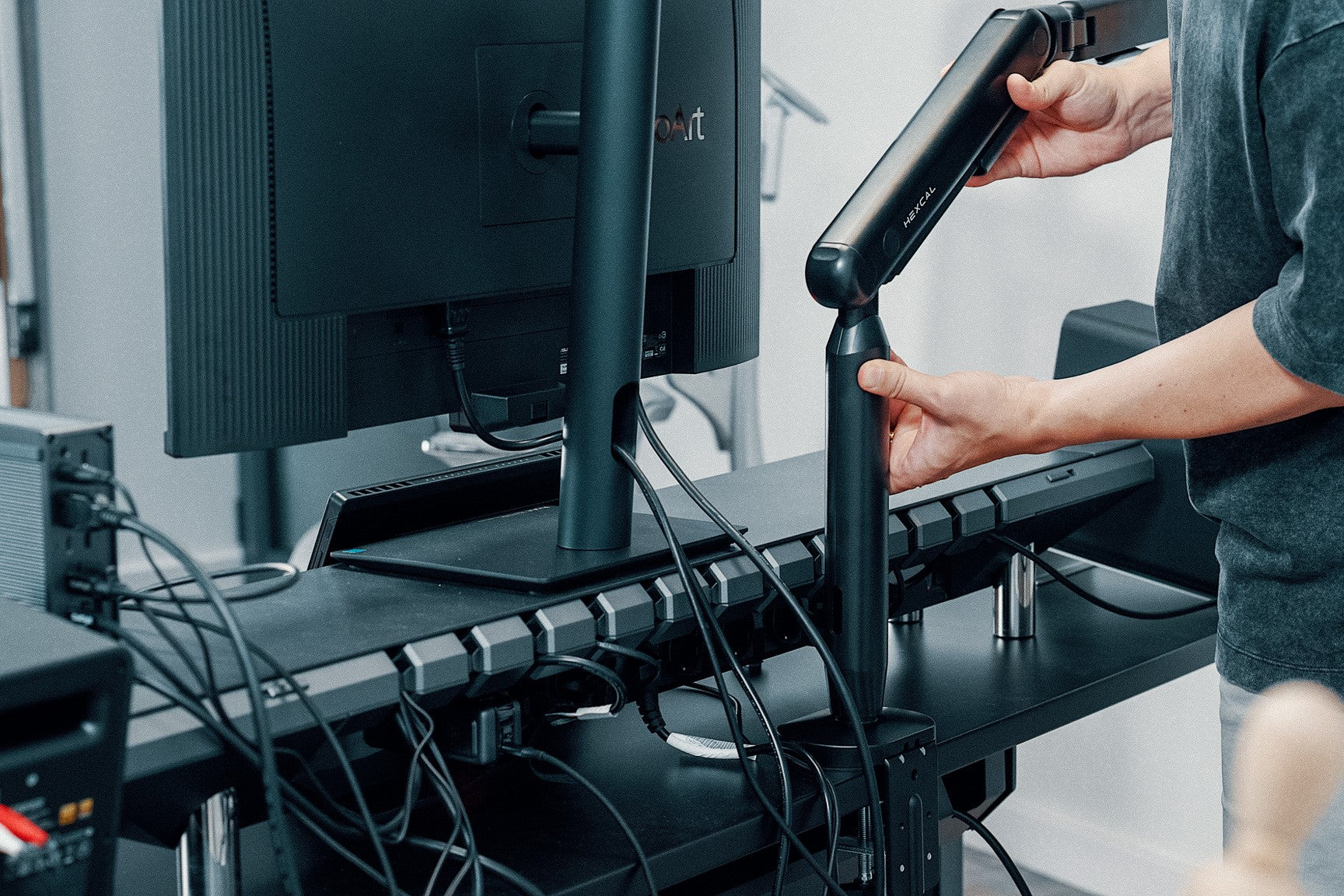

Even the best gaming equipment can look messy without good organization.
Desk Setup Tips
-
Use monitor arms to save desk space
-
Install cable management trays
-
Keep frequently used items within reach
-
Avoid overcrowding the desk
A clean setup not only looks better but also improves focus and productivity.
7. Upgrade Your Audio with Gaming Headsets or Speakers
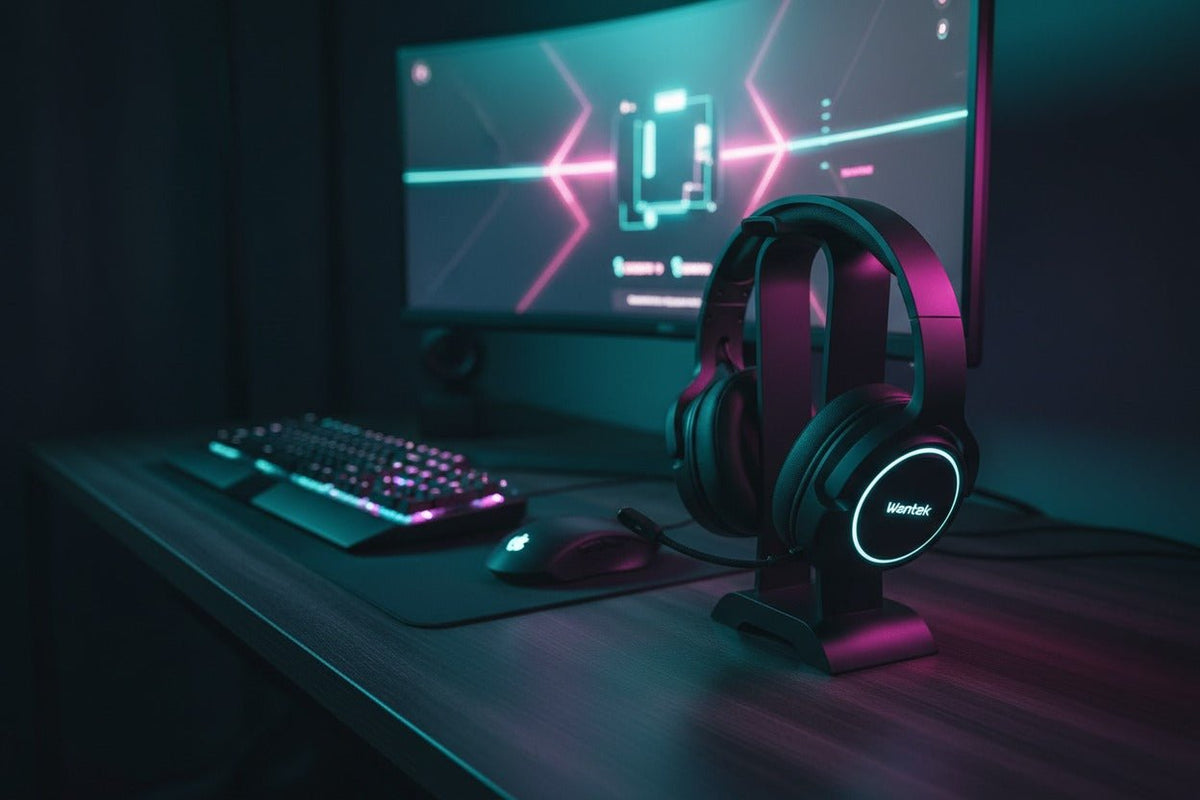


Sound is a critical part of gaming immersion. Hearing footsteps, environmental cues, and directional audio can provide a competitive advantage.
Audio Options
Gaming Headsets
-
Built-in microphones
-
Surround sound support
-
Noise isolation
Speakers
-
Great for casual gaming
-
Better for shared gaming spaces
-
Ideal for cinematic experiences
Many gamers use both speakers and a headset depending on the situation.
8. Personalize Your Gaming Space


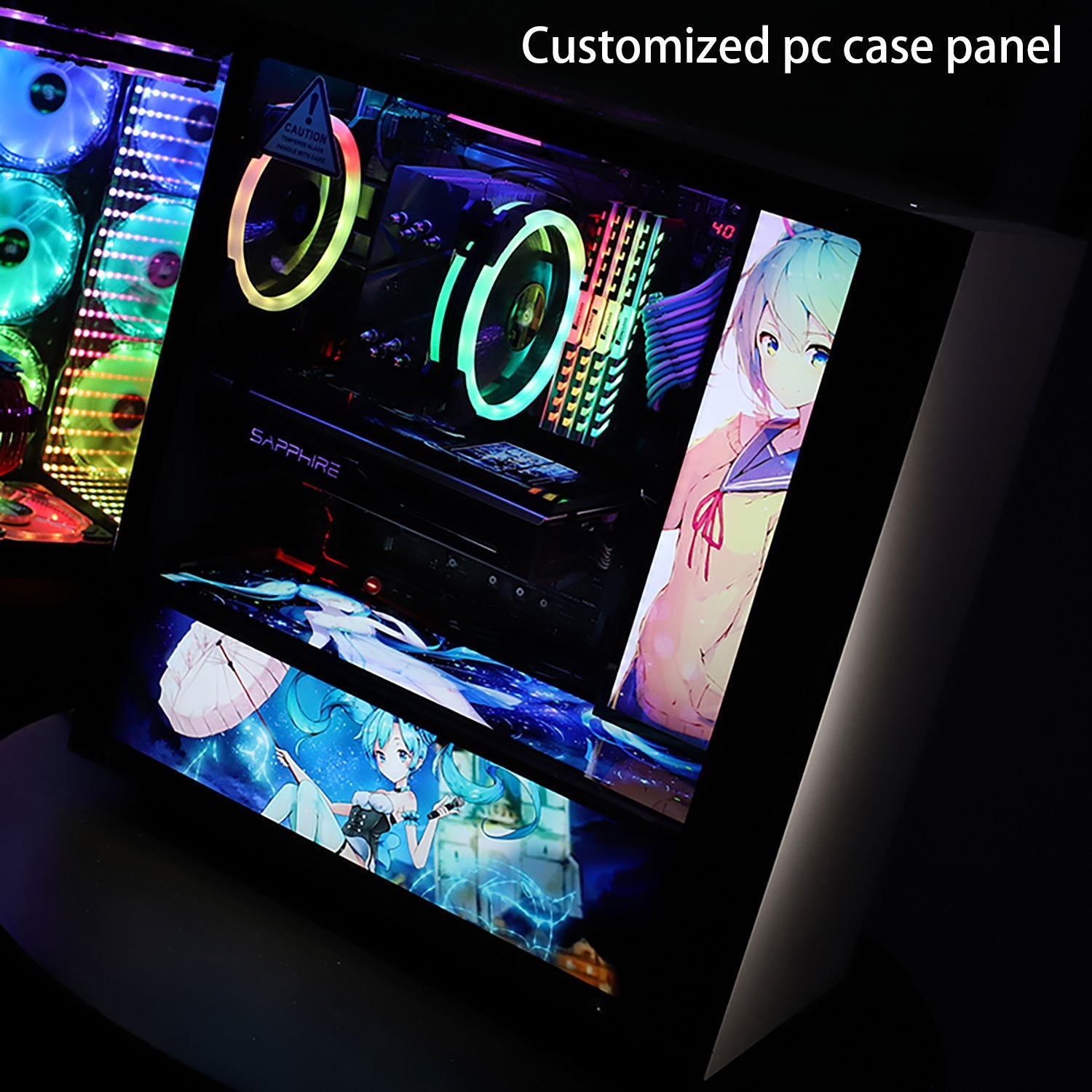
Your gaming setup should reflect your personality and interests.
Consider adding:
-
Game posters or wall art
-
Collectible figures
-
Custom desk mats
-
LED signs or neon lights
-
Shelves for games and accessories
Personal touches help transform a simple desk into an exciting gaming environment.
Final Thoughts
Building the perfect gaming setup is about balancing performance, comfort, and style. By investing in the right equipment and organizing your space properly, you can create a setup that improves both gameplay and enjoyment.
A great gaming station typically includes:
-
A powerful PC or console
-
High refresh rate monitor
-
Mechanical keyboard and gaming mouse
-
Ergonomic gaming chair
-
Immersive lighting
-
Clean desk organization
-
Quality audio equipment
Whether you’re playing competitively, streaming, or enjoying casual games with friends, a well-designed gaming setup will elevate your entire gaming experience.



.png)