





How to Start a Gaming YouTube Channel: A Complete Beginner’s Guide (2026)
Starting a gaming YouTube channel is one of the most exciting ways to share your passion for video games, build an online audience, and even earn income. With millions of gamers watching gameplay content every day, there is still plenty of opportunity for new creators who bring creativity, personality, and consistency.
This guide explains how to start a gaming YouTube channel step-by-step, including equipment, content strategy, and tips for growing your audience.
1. Choose Your Gaming Niche


One of the biggest mistakes new creators make is trying to cover every game. Successful channels usually focus on a specific niche.
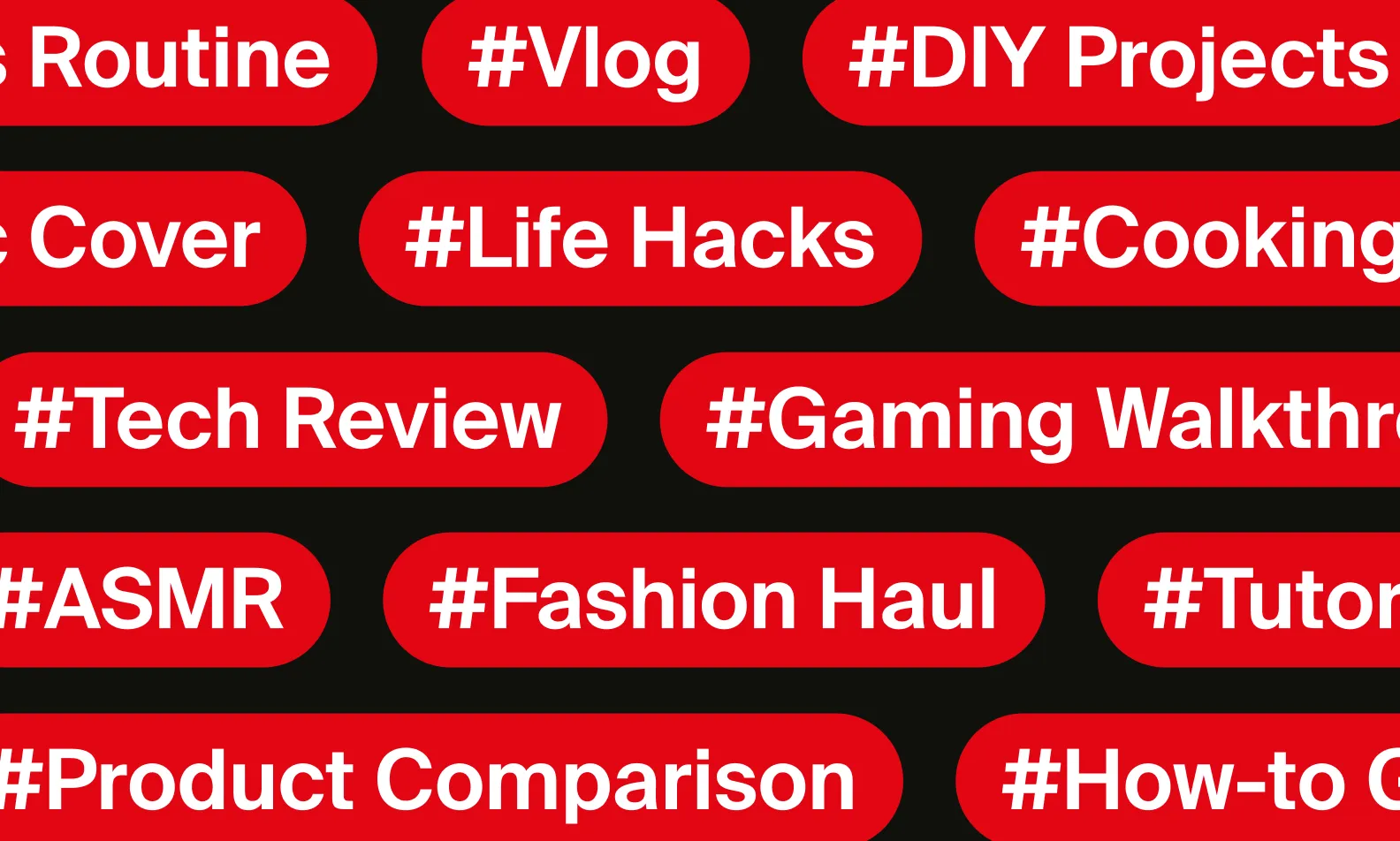
Popular Gaming YouTube Niches
-
Let’s Plays – Casual gameplay with commentary
-
Game Tutorials & Tips – Strategy guides and walkthroughs
-
Esports & Competitive Gaming – Ranked matches and highlights
-
Game Reviews – Honest reviews and first impressions
-
Funny Moments & Clips – Entertaining gaming edits
-
Speedruns – Completing games as fast as possible
Choosing a niche helps YouTube understand your content and recommend it to the right audience.
SEO Tip: Include the main game title in your video titles, such as
“Beginner Guide to Minecraft Survival” or “Best Warzone Loadout 2026.”
2. Get the Essential Equipment
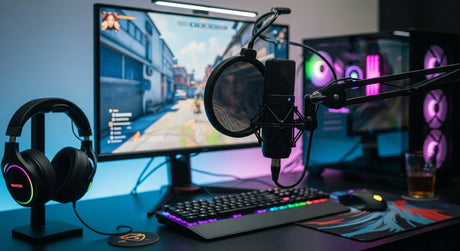
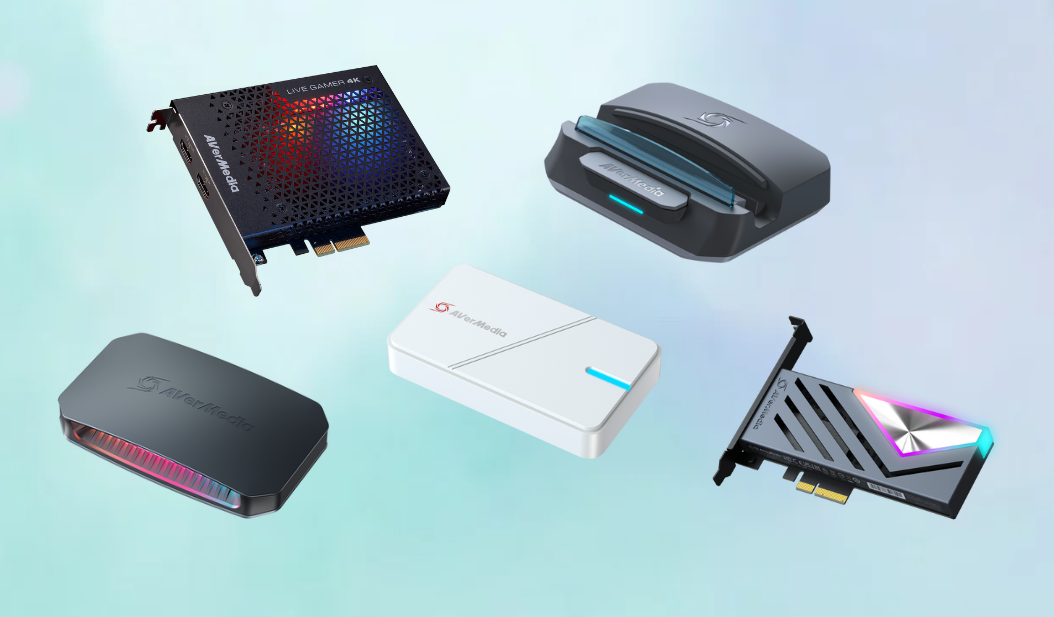

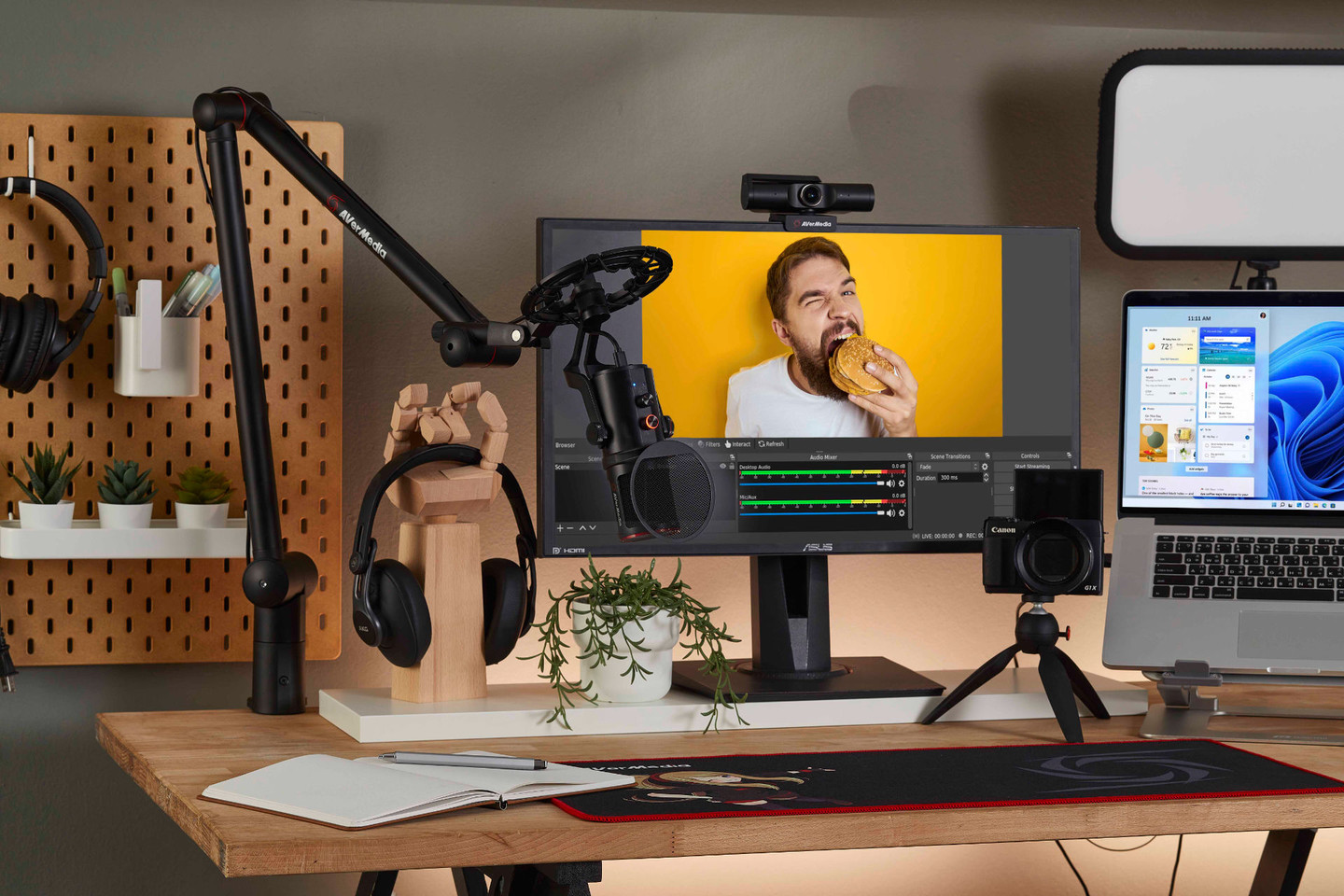
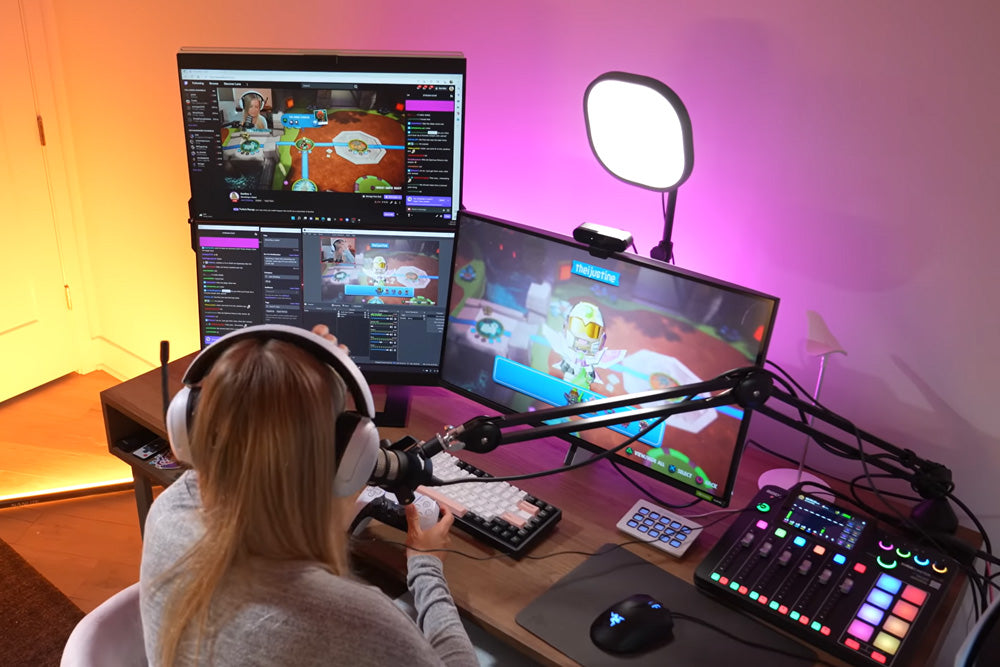
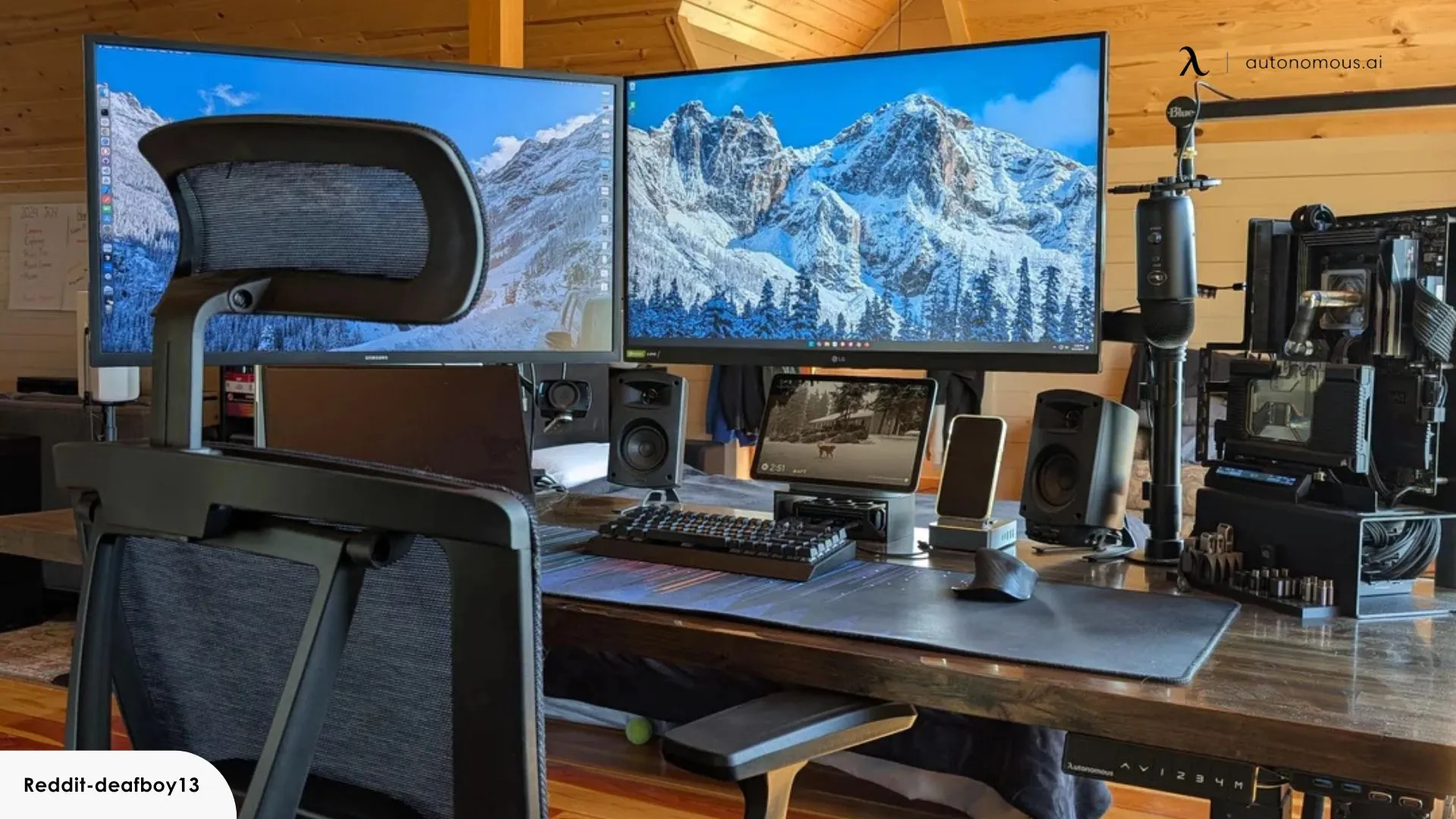
You don’t need the most expensive equipment when starting out, but having clear audio and smooth gameplay recording is important.
Basic Gear for Gaming YouTubers
1. Gaming PC or Console
A reliable system capable of running games and recording software.
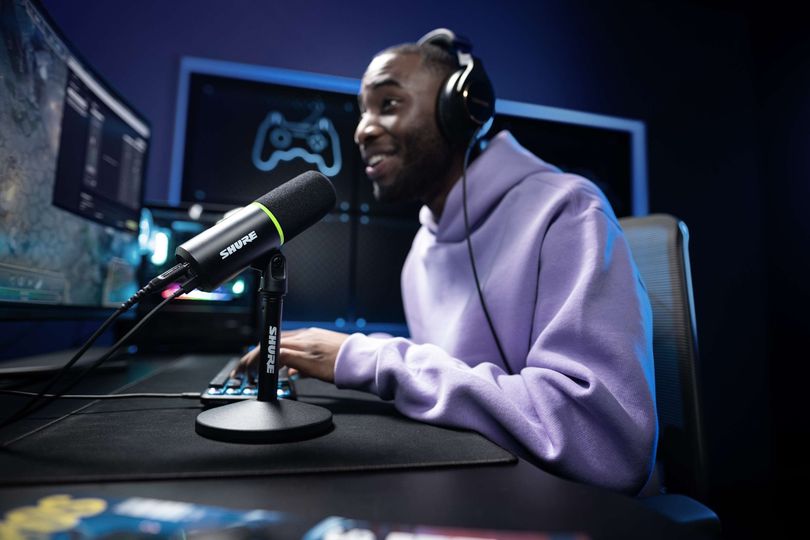
2. Microphone
Audio quality matters more than video quality. A USB microphone is a great starting option.
3. Screen Recording Software
Popular options include:
-
OBS Studio
-
Streamlabs
-
NVIDIA ShadowPlay
4. Webcam (Optional)
Face cams help build stronger connections with viewers.
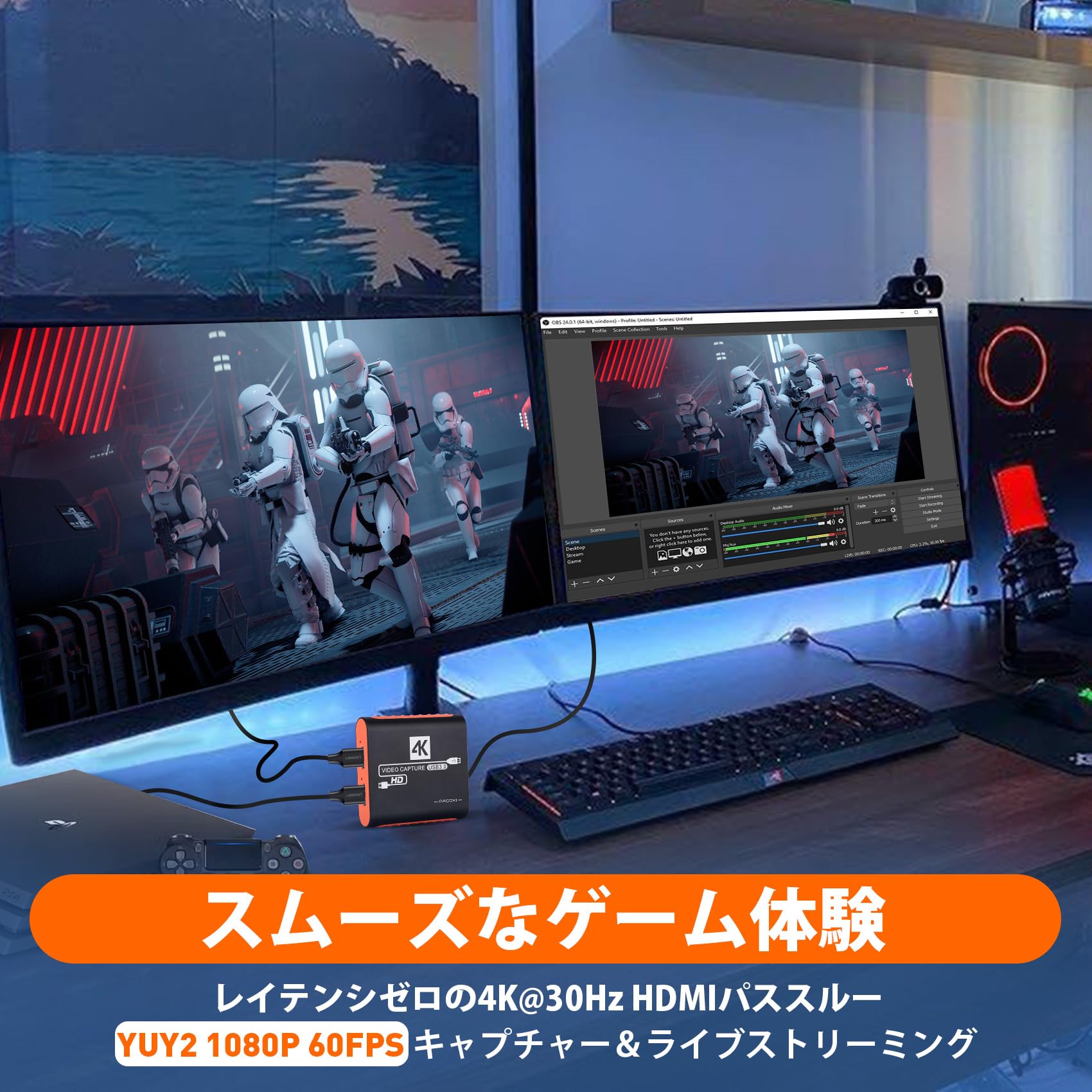
5. Capture Card (for console players)
Used to record gameplay from consoles like PlayStation or Xbox.
3. Create Your YouTube Channel Branding

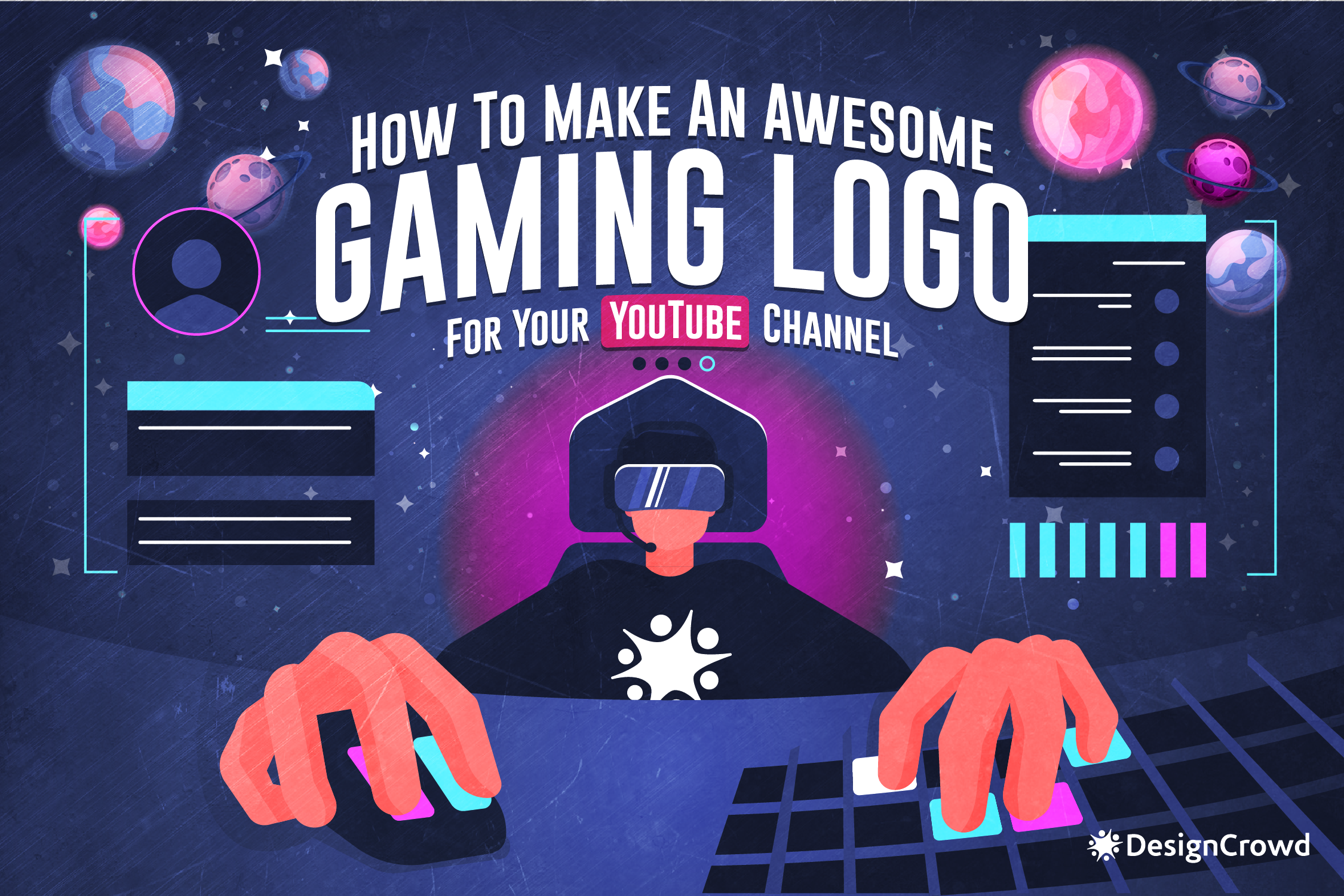

A strong brand helps viewers recognize your content instantly.
Important Branding Elements
-
Channel Name – Short, memorable, and gaming-related
-
Channel Logo – Unique avatar or gaming icon
-
Channel Banner – A banner that reflects your gaming style
-
Consistent Thumbnail Style – Bright colors and bold text
Consistency across thumbnails and graphics improves click-through rates, which helps videos rank higher on YouTube.
4. Record Your First Gaming Videos


Once your setup is ready, it’s time to record your first videos.
Tips for Recording Better Gameplay Videos
-
Record in 1080p at 60fps when possible
-
Speak clearly and show personality
-
Avoid long silent sections
-
Record multiple clips for editing
Popular beginner video ideas:
-
“First Time Playing [Game Name]”
-
“Beginner Tips for [Game Name]”
-
“Top 10 Secrets in [Game Name]”
-
“Funny Moments in [Game Name]”
These formats perform well because they are searchable and engaging.
5. Edit Your Gaming Videos
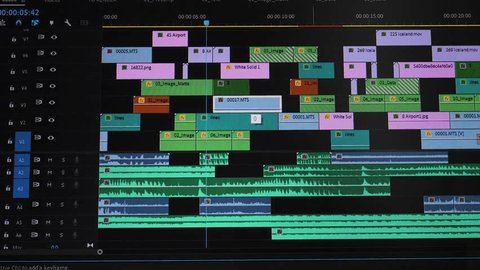
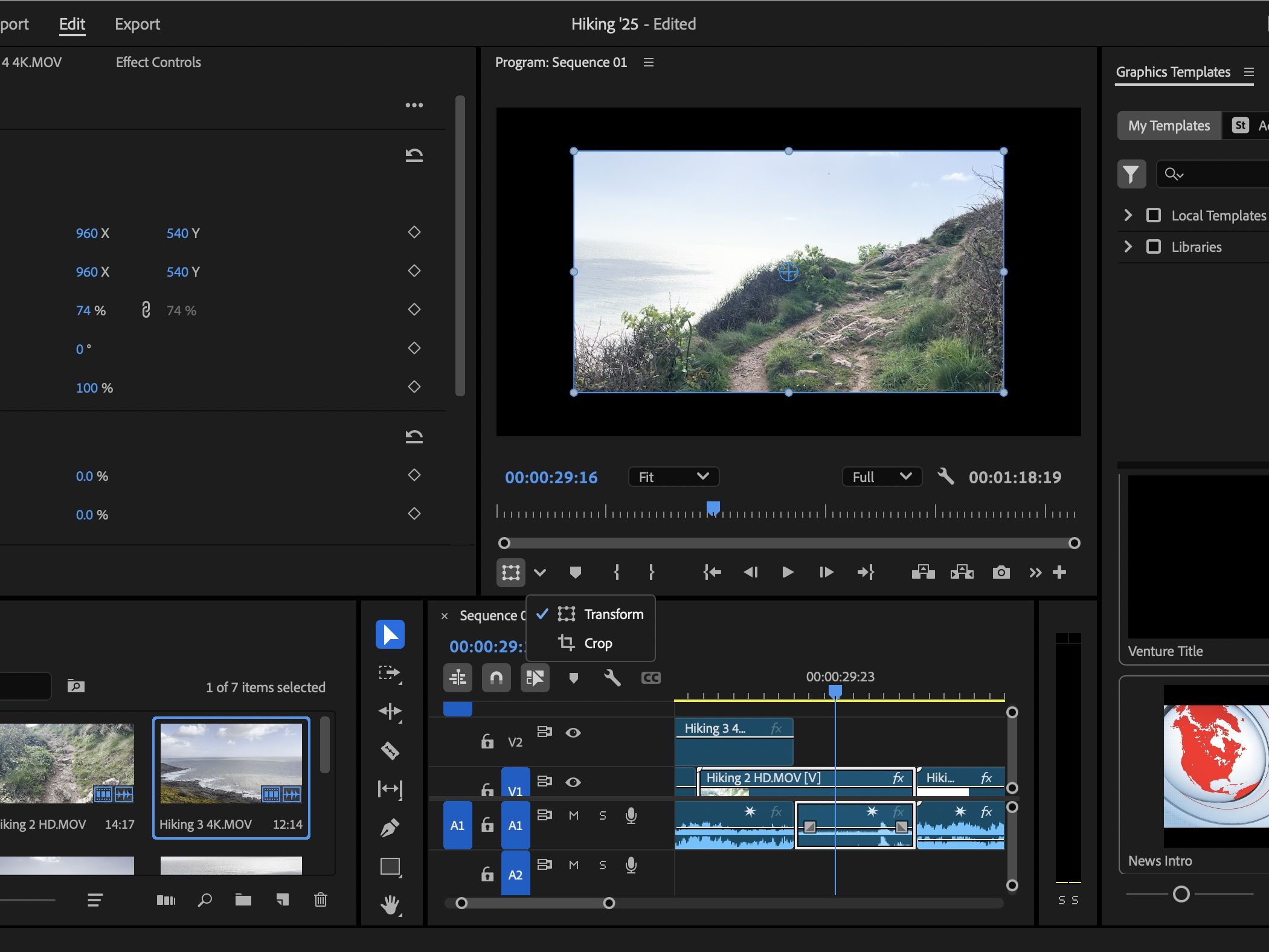
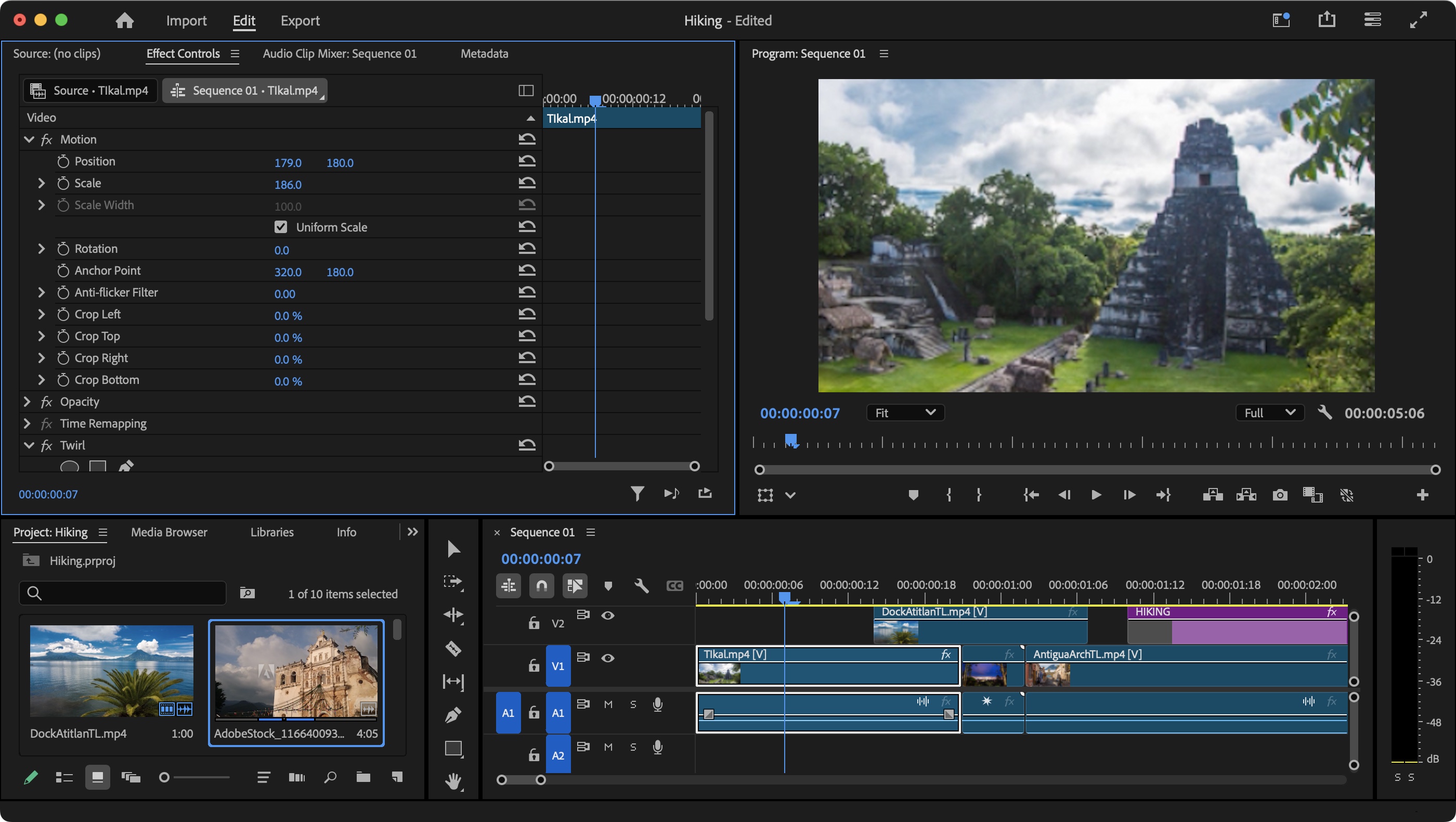
Editing is where your video becomes entertaining.
What to Include in Your Edits
-
Cut boring moments
-
Add funny zoom-ins or sound effects
-
Insert memes or reactions
-
Add subtitles for key moments
Beginner Editing Software
-
DaVinci Resolve (free)
-
Adobe Premiere Pro
-
Filmora
-
CapCut
Good editing keeps viewers watching longer, which improves YouTube watch time, one of the most important ranking factors.
6. Optimize Your Videos for SEO
If you want your gaming channel to grow, you must optimize videos for YouTube search.
Key YouTube SEO Strategies
1. Use Keyword-Rich Titles
Example:
“Best Beginner Tips for Fortnite Chapter 6 (2026 Guide)”
2. Write Detailed Descriptions
Include:
-
Game name
-
Gameplay details
-
Relevant keywords
3. Use Tags
Example tags:
-
gaming gameplay
-
game name walkthrough
-
game tips and tricks
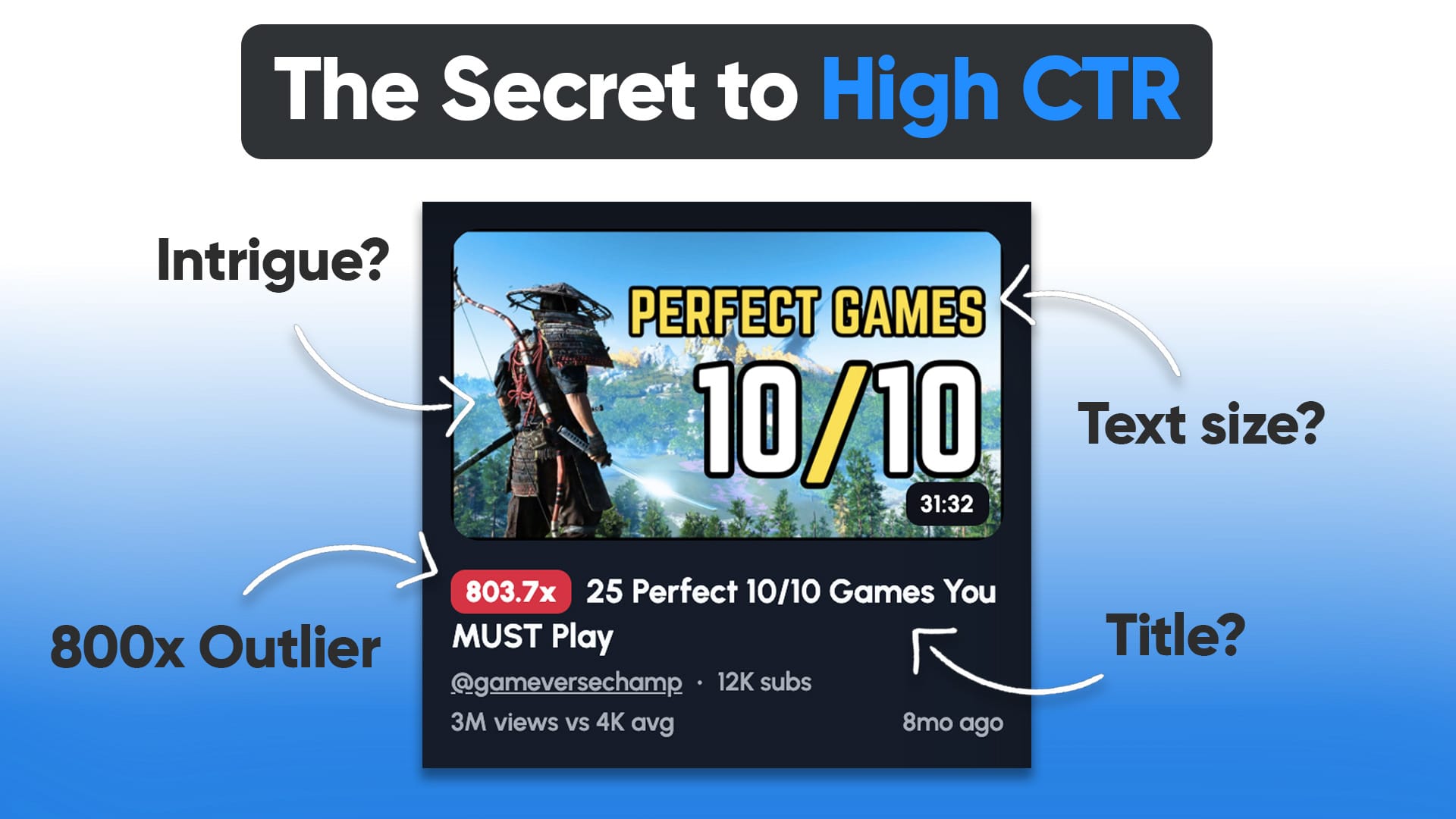
4. Create Clickable Thumbnails
A great thumbnail can double your views.
7. Stay Consistent and Build a Community

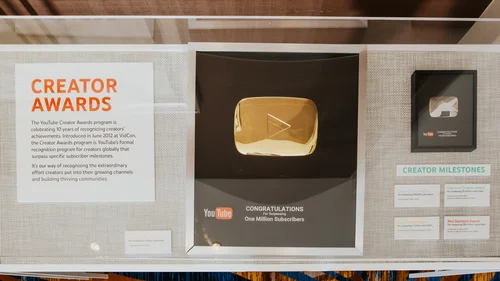


Growth on YouTube rarely happens overnight. Consistency is the biggest factor in building a successful channel.
Growth Tips for Gaming Channels
-
Upload 2–3 videos per week
-
Reply to viewer comments
-
Ask viewers to subscribe
-
Share clips on TikTok, Instagram, and Reddit
-
Collaborate with other small creators
Building a community around your personality is often more important than the game itself.
Final Thoughts
Starting a gaming YouTube channel in 2026 is easier than ever, but success comes from consistency, creativity, and understanding your audience.
Focus on:
-
Choosing the right gaming niche
-
Producing high-quality audio and video
-
Creating searchable content
-
Uploading consistently
With dedication and smart SEO strategies, your gaming channel can grow into a loyal community of viewers who enjoy your content.
✅ Pro Tip: Many successful gaming YouTubers didn’t go viral overnight. Most uploaded 100+ videos before gaining major traction, so keep creating and improving with every upload.


.png)